Seva booking
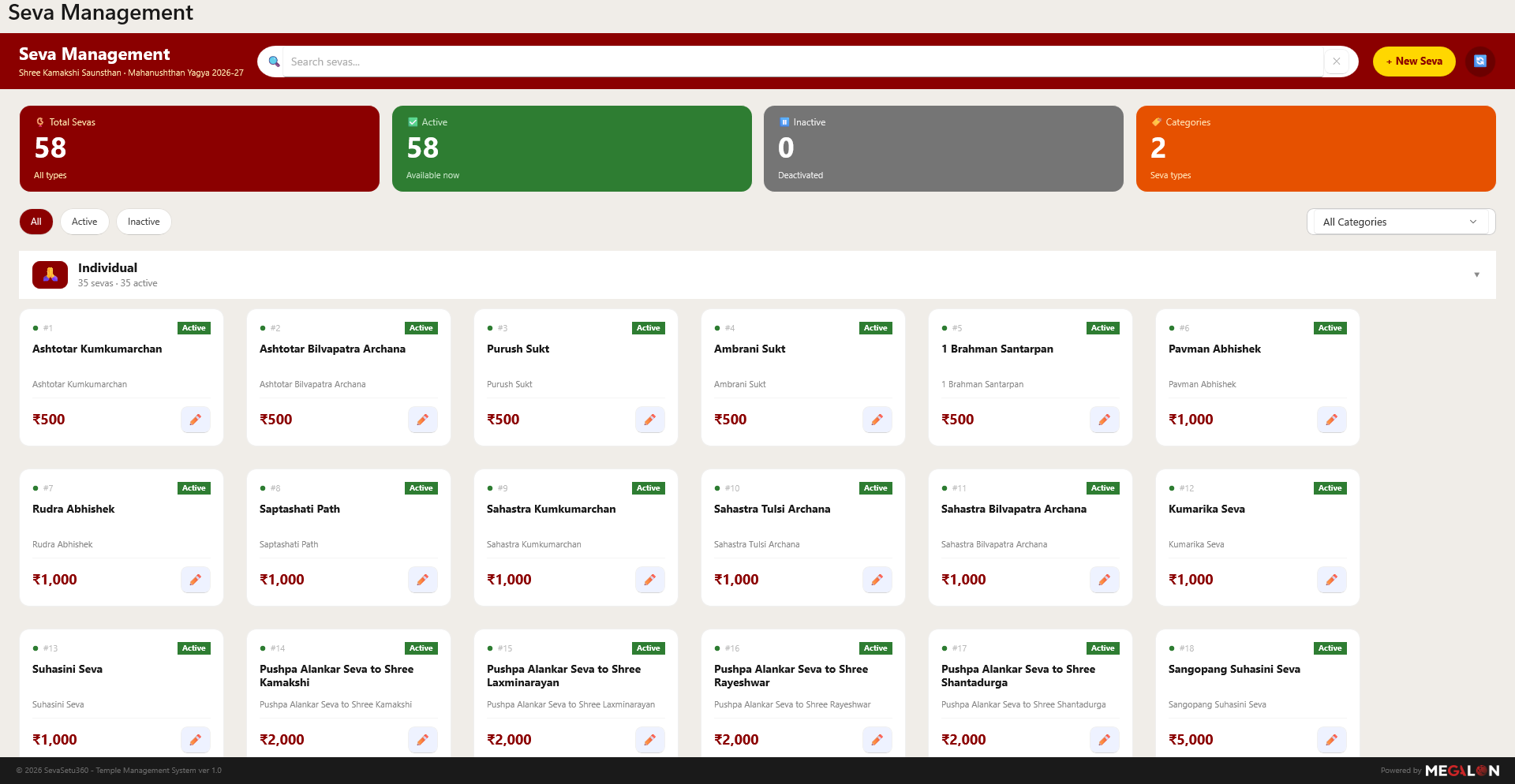
Record devotee details and seva bookings from a catalogue of individual and combo sevas.
॥ Shree Kamakshi Prasanna ॥
SevaSetu360 lets temple staff book sevas, print receipts on the spot, read handwritten forms with AI, and keep every devotee record in one secure place.
From the counter to the cloud, nothing slips through.
Temples run on paper — handwritten receipt books, donation slips, seva registers. SevaSetu360 brings that daily work into one desktop application, without changing how your counter feels.
Staff sign in, record a seva or scan an old receipt, and the details are checked and saved instantly. Receipts print in seconds, confirmations reach devotees by email and WhatsApp, and every record stays consistent across the temple.
Purpose-built for temple administration — not a generic form tool.
Record devotee details and seva bookings from a catalogue of individual and combo sevas.
Generate a proper receipt and print it on a thermal printer the moment a booking is made.
Photograph a handwritten receipt and let AI read the names, amounts and sevas for you.
Extracted details are shown for a quick check — nothing is stored until a person confirms it.
Send confirmations and receipts straight to devotees over email and WhatsApp when needed.
Switch the whole app between English, Hindi, Marathi and Konkani, live.
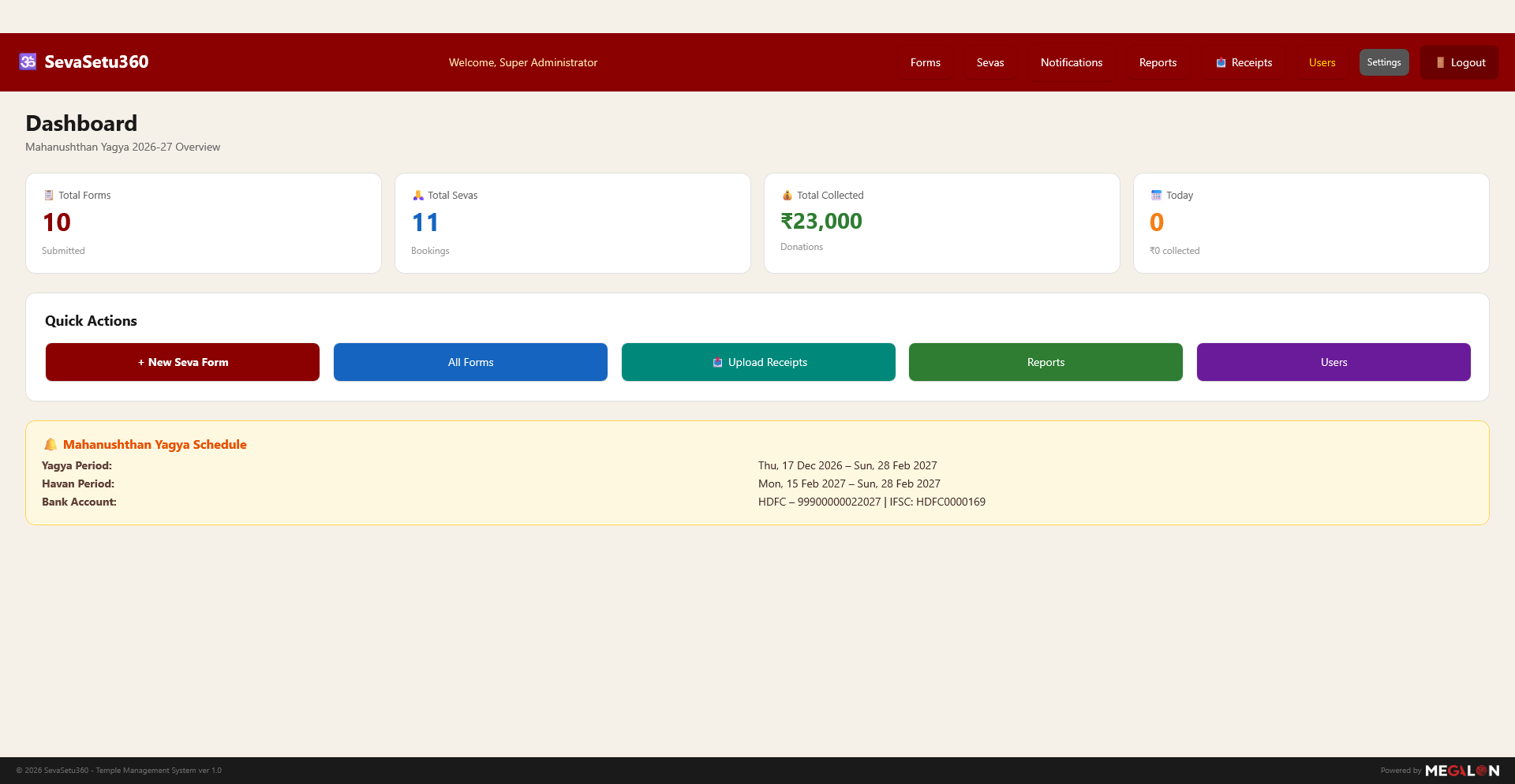
See totals for forms, sevas and collections at a glance, with reports for the period.
Role-based accounts keep records private to authorised temple staff.
The same rhythm your staff already know — just faster and recorded.
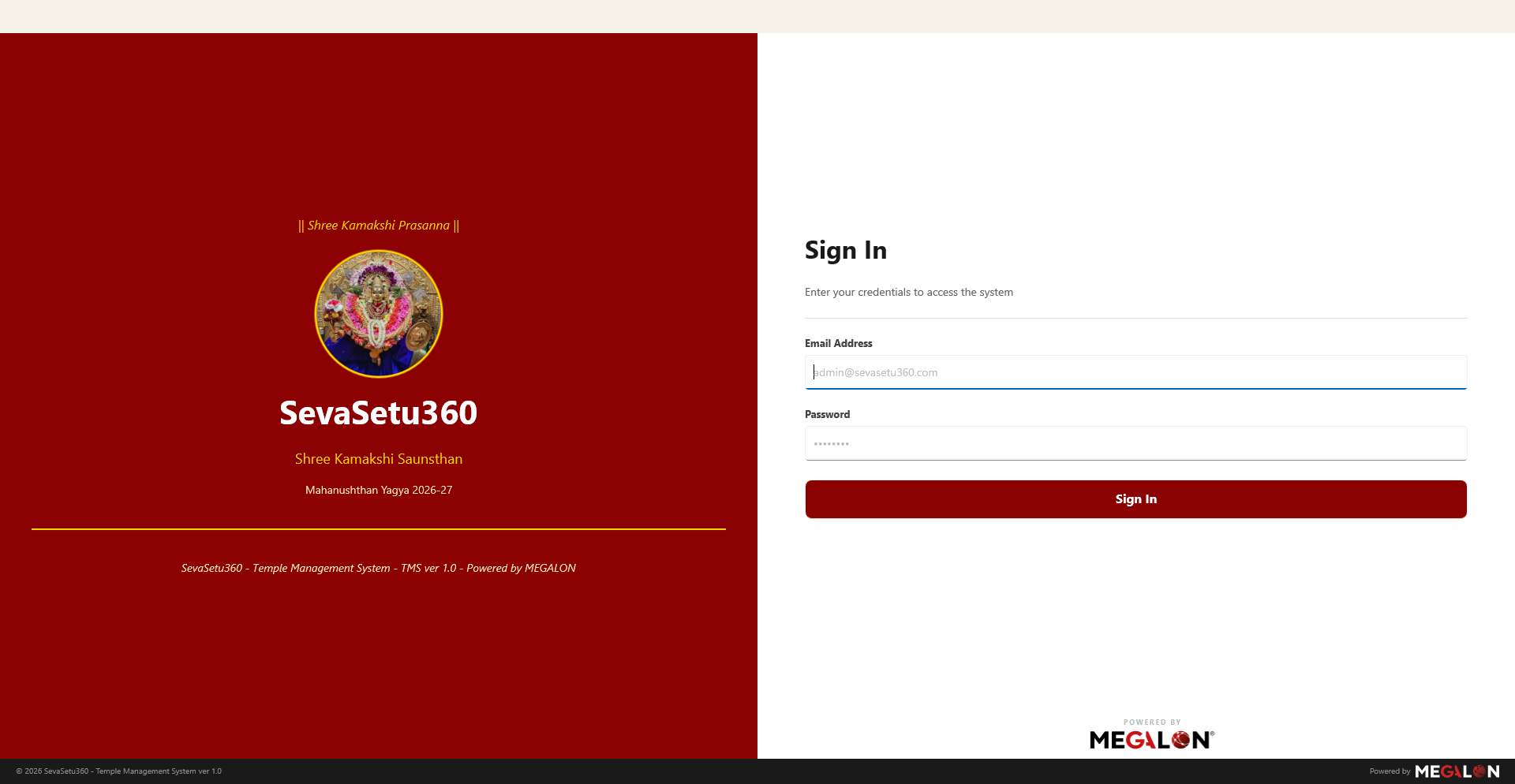
A staff member signs in with the credentials issued by the temple administrator.
Enter a new seva booking, or upload a stack of handwritten receipts and let AI read them.
Print the receipt, send a confirmation, and the record is safely saved to the temple's books.
Large touch-friendly controls and an uncluttered layout, in the temple's own colours.
Install on any Windows 10 or 11 PC. Nothing else to set up — just sign in and begin.
For authorised temple staff · Windows 10 (1809+) / Windows 11, 64-bit